Start from text, one image, or multi-view references
Use a prompt, a single character image, or front/left/back/right reference views to create a stronger avatar foundation.

trusted by 2,000+ VRChat avatar creators
Designed for users who want to move from idea to model, texture, rigging, preview, and downloadable asset inside one VRChat-focused workflow.
Text to Avatar
Image to Avatar
Multi-view avatar generation
Texture generation and repainting
Auto rigging with motion presets
Preview and download-ready results
Instead of stopping at a single image or isolated 3D file, VRChat Avatar Maker helps you move through the real creation pipeline: concept exploration, model generation, texture refinement, rigging, preview, and download.
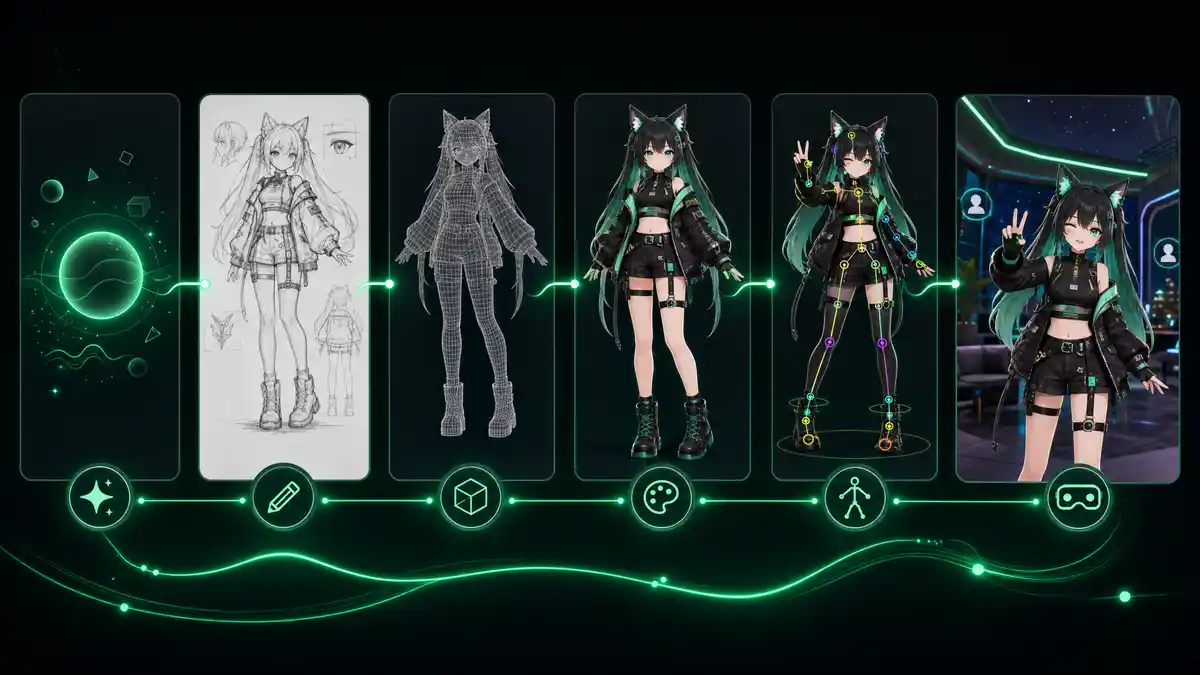
Users searching for a VRChat avatar maker usually do not just want a pretty render. They want a faster way to create, inspect, improve, and keep moving toward a usable avatar asset.
Use the workspace as a step-by-step pipeline, whether you are exploring a new idea or improving an existing avatar asset.
Start with Text to Avatar, Text to Image, Image to Avatar, Multi-image to Avatar, Add Texture, or Auto Rigging depending on what you already have.
Describe the avatar, upload a reference image, provide multi-view inputs, or select an existing generated model for the next stage.
See whether the task is generating, complete, deferred, or failed, then review the image, model, or rig preview directly in the workspace.
Save your current output, apply textures, auto rig the model, or download the asset and continue your VRChat avatar pipeline.
These features are organized around actual creator workflow stages instead of disconnected AI tools.
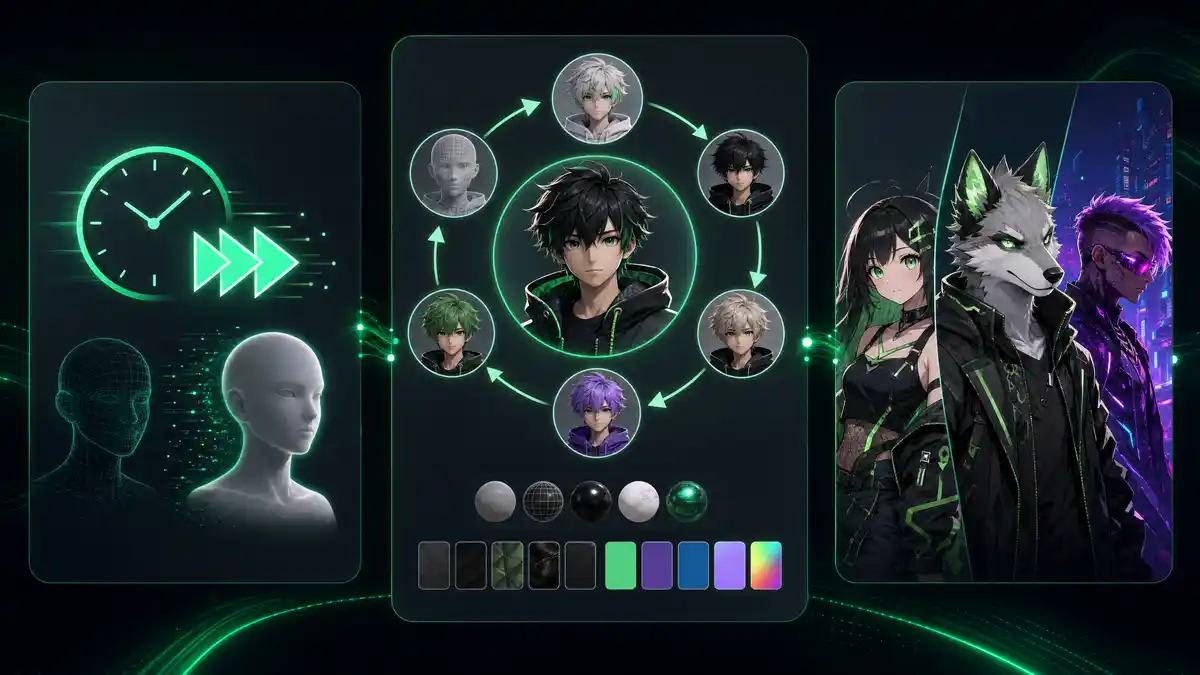
These are some of the most common creation paths and styles people look for when building custom VRChat avatars online.
Create anime-style avatars for social worlds, VTuber-like identity, roleplay, and stylized personal characters.
Build furry avatar concepts and models for fox, wolf, cat, dragon, and other creature-based character directions.
Design neon-lit female avatars with cyberpunk outfits, bold silhouettes, synthetic details, and VRChat-ready character attitude.
The workspace is organized to support the most important stages in custom VRChat avatar creation, from early concept to downloadable asset.
6
Creation modes
Text to Avatar, Text to Image, Image to Avatar, Multi-image to Avatar, Add Texture, and Auto Rigging.
5
Core asset stages
Concept, model, texture, rig, and downloadable result.
2
Output formats
Download results in GLB or FBX for preview and downstream asset workflows.
Answers to the most common questions from users looking for a VRChat avatar maker, creator, or custom avatar workflow.